How do you track where every customer's stored tires sit on the rack?
A reliable system for tagging and locating stored tire sets so nothing gets lost in the back.
Tag each set with a unique ID linked to the customer and vehicle, then record its exact rack location so any tech can pull it fast. Use consistent labels and a log or app that ties the tag to the shelf position. Update the location whenever a set moves so records stay accurate.
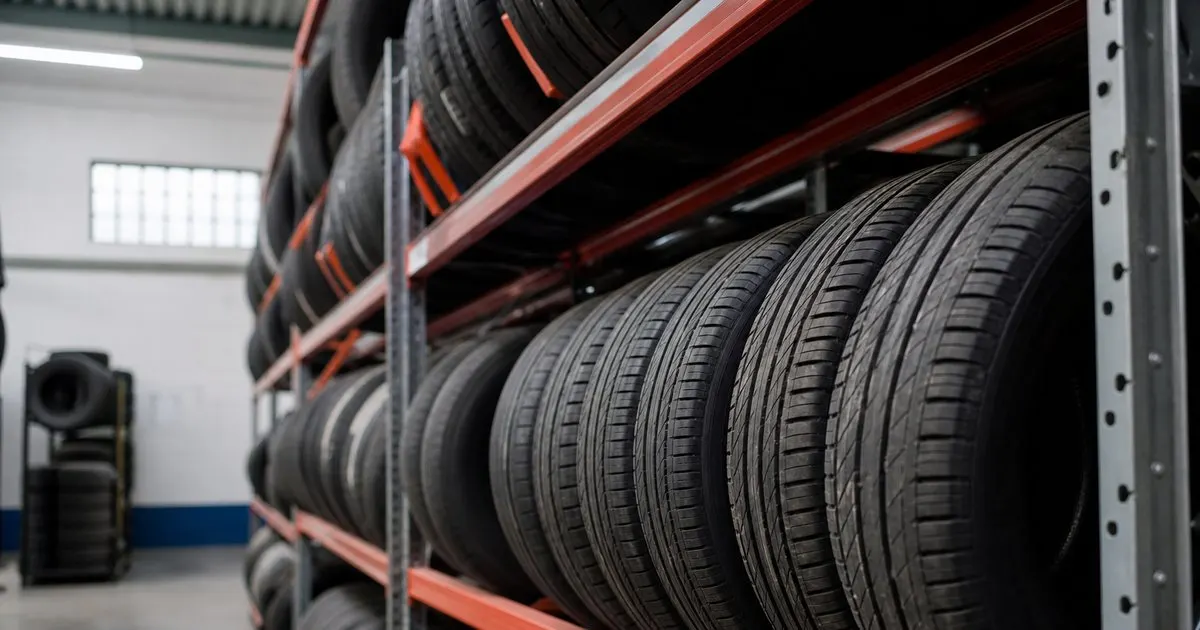
Give every set a fixed location
Losing stored tires happens when sets move around and no one records where they landed. The fix is to assign every set a specific location, a rack and a bay or slot, the moment it is stored, and to treat that location as the set's address. A set with a known address can always be found. Related: Why should a shop record tread depth history for every stored tire set?
The location has to be specific enough to be useful. 'In the back' helps no one, but 'Rack C, bay 4' sends any tech straight to the tires without a search. Number your racks and bays clearly so a location actually points somewhere. Related: When should you swap from winter tires back to summer tires safely?
Keep reading: What is the best way to remind customers about a seasonal tire changeover?, Why should a shop record tread depth history for every stored tire set?, When should you swap from winter tires back to summer tires safely?. See how TireKeepr helps you tire storage and seasonal changeover tracking.
Tag the tires and record the link
Each set needs a physical tag tying it to the customer, and that link needs to live in a record, not just on a sticker that can fall off. When the tag and the record agree, you can go from a customer name to a rack location instantly, and from a set on the rack back to its owner.
The record is what saves you when a tag goes missing. If a sticker peels off, the stored location and the set's details in your system still identify the tires, so a lost tag is an annoyance rather than a mystery.
Update the location when sets move
Storage is not static. Sets come off the rack for a swap, get consolidated, or move when you reorganize, and every move is a chance to lose track. The discipline that keeps the system honest is updating the location whenever a set is moved, so the record always matches reality. Related: Which rack labeling system works best for a busy tire storage program?
This is where paper systems fail. A wall chart that no one updates drifts from the truth within weeks, and then techs stop trusting it and go back to searching. The location has to be quick to update or it will not be.
Make lookups instant
The payoff of all this is a lookup that takes seconds. When a customer arrives for their swap, you should be able to pull up their name and see exactly where their tires are before they finish checking in, so the tires are coming down while they wait, not being hunted for. Related: What is the best way to remind customers about a seasonal tire changeover?
TireKeepr assigns each set a rack and bay and keeps it tied to the customer, so any tech can go from a name to a location in seconds and pull the right set without digging through the storage area.
- Assign every set a specific rack and bay location.
- Tag the tires and record the customer link.
- Update the location whenever a set moves.
- Make name-to-location lookups take seconds.

Julien Jimenez
Julien Jimenez is an independent software builder based in Paris. He designs, ships, and operates focused SaaS products for small businesses and independent professionals. Read the full author page.
Frequently asked questions
What should be on each tire set's tag?
A unique ID plus the customer name, vehicle, and drop-off date at minimum. Linking that tag to a rack location in your system lets any tech locate the set without hunting through the racks.
How do you keep locations accurate when sets get moved?
Make updating the location a required step whenever a set is pulled or reshelved. A location is only useful if it matches reality, so the record must change the moment the tires do.
Find Every Stored Set In Seconds
Tire storage and seasonal changeover tracking. TireKeepr is built to help you put this into practice.
Start free trialMore from the TireKeepr blog

What is the best way to remind customers about a seasonal tire changeover?
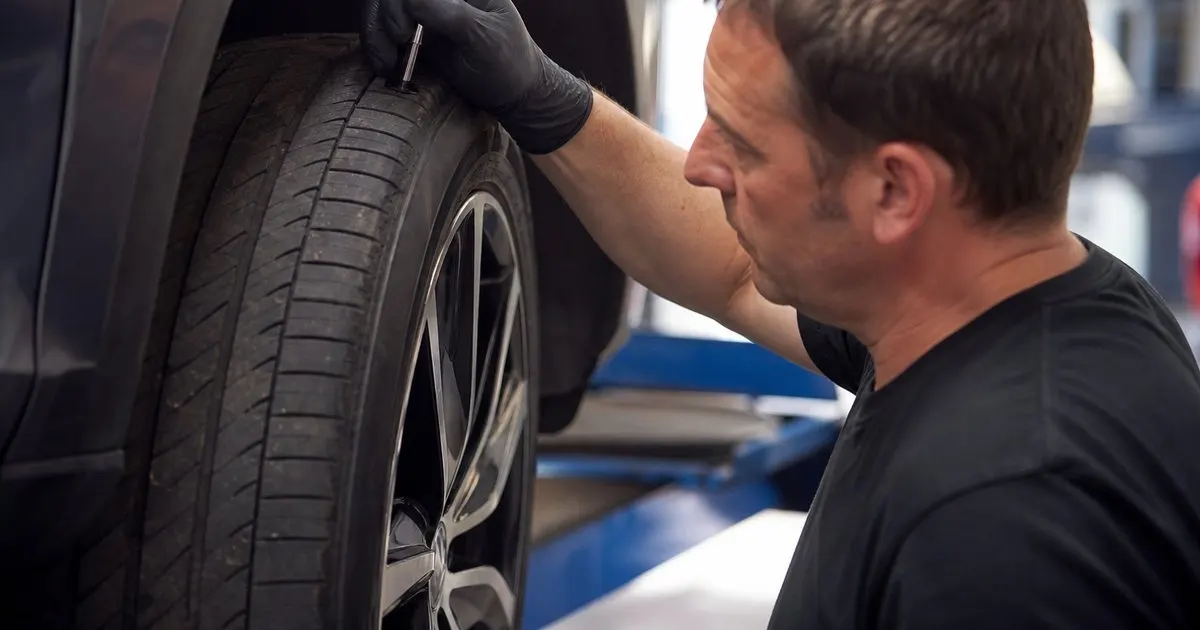
Why should a shop record tread depth history for every stored tire set?
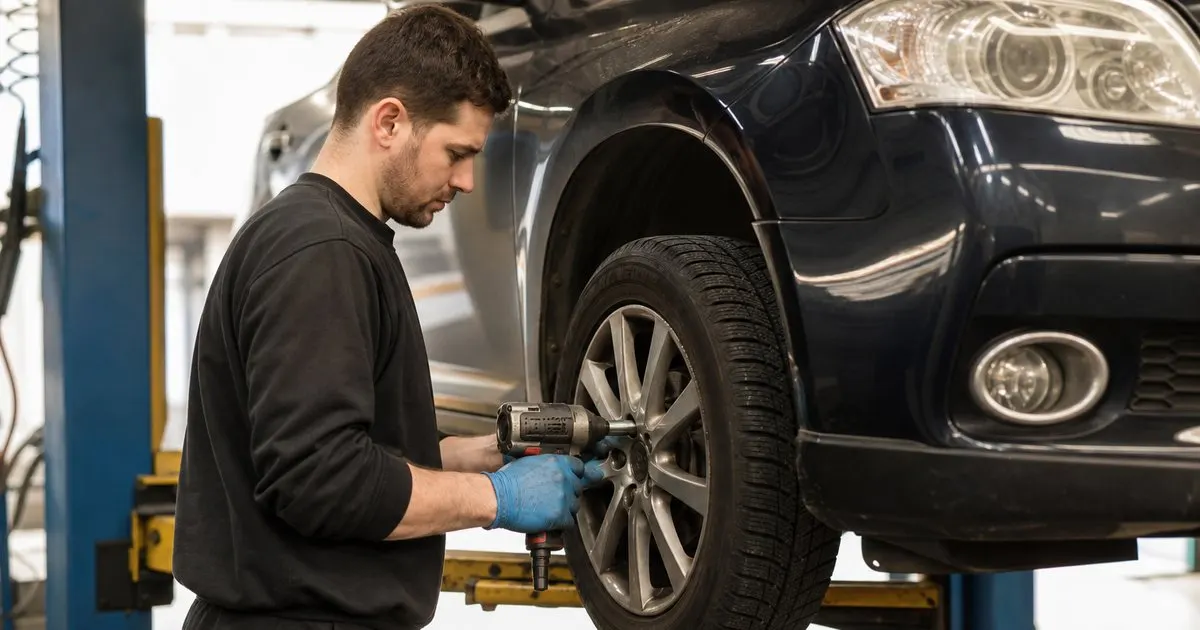
When should you swap from winter tires back to summer tires safely?
Get the TireKeepr playbook
Practical guides on tire storage software, straight to your inbox as we publish them. No spam, unsubscribe any time.