Which rack labeling system works best for a busy tire storage program?
How to lay out and label storage racks so any tech can find and refile sets quickly.
A simple grid works best: label each rack, bay, and shelf with clear codes like a row letter and a position number, then tie every stored set to that address in your system. Consistency matters more than complexity. Any tech should read a location code and walk straight to the tires.
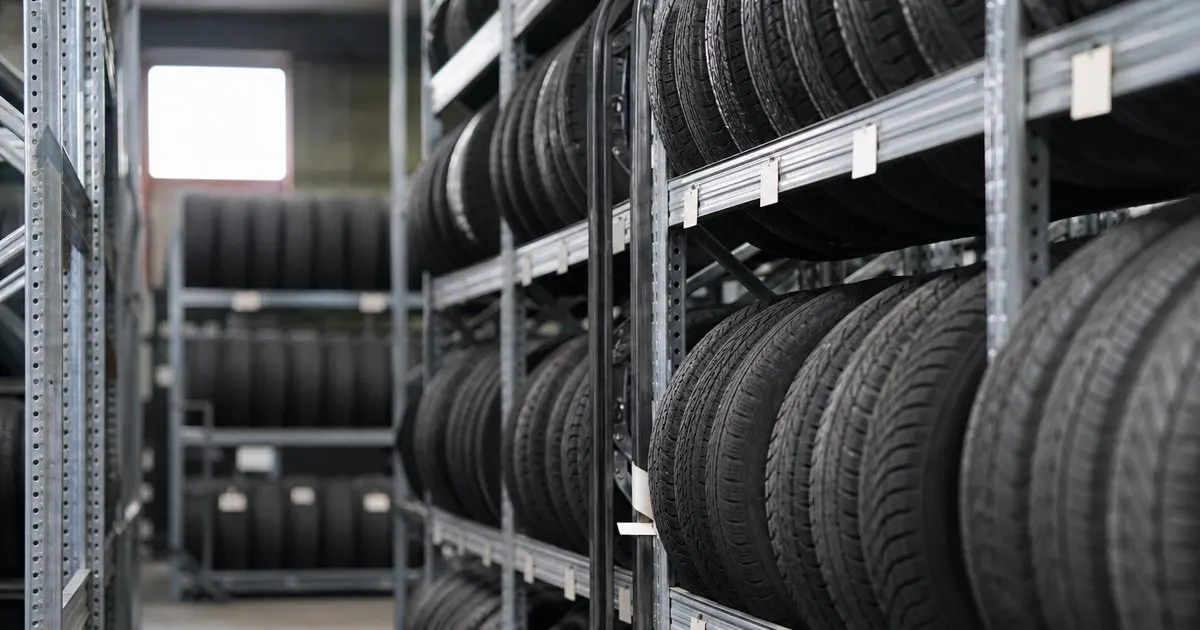
Use a simple, consistent addressing scheme
The best labeling system reads like an address. Number or letter your racks, then number the bays or shelves within each, so every slot has a unique, obvious identifier like B-12. Consistency across the whole storage area means anyone can read a location and walk straight to it. Related: How do you bill customers fairly for tire storage across a long season?
Keep the scheme simple enough to say out loud and write on a tag. Overly clever codes slow techs down, while a clear rack-and-bay format is instantly understandable to a new hire on their first day.
Keep reading: How do you track where every customer's stored tires sit on the rack?, What is the best way to remind customers about a seasonal tire changeover?, Why should a shop record tread depth history for every stored tire set?. See how TireKeepr helps you tire storage and seasonal changeover tracking.
Make labels big and durable
Labels only help if techs can read them from the aisle. Use large, clearly printed rack and bay labels placed where they are visible even when the rack is full of tires. Small or faded labels force techs to hunt, which defeats the purpose of labeling at all.
Durability matters in a shop environment. Labels get bumped, dirty, and rubbed by tires, so choose a printing and mounting method that survives, and replace any that become hard to read before they cause a misfile.
Assign locations by fit, not by customer
Rather than reserving areas per customer, assign each incoming set to whatever appropriate open slot exists and record that location. This uses your space efficiently and avoids half-empty reserved zones. The system tracks where each set went, so the tires do not need a permanent home area. Related: How do you track where every customer's stored tires sit on the rack?
This flexible approach scales far better as the program grows. You fill space as it comes, and because the location is recorded against the set, it does not matter that a customer's tires are in a different bay than last season. Related: How do you keep stored customer tires from cracking or flat-spotting during storage?
Tie the labels to your records
A labeling scheme is only half the system. The other half is a record linking each set to its current location label, so you can look up a customer and get their bay, and confirm what should be in any bay. Labels plus records is what makes storage reliable at scale. Related: What should a shop do when a customer forgets their stored tire set?
TireKeepr stores each set's rack and bay location against the customer, so your physical labels and your records stay in sync, and any tech can find a set or an open slot without a treasure hunt through the racks.
- Use a simple rack-and-bay addressing scheme.
- Make labels large, clear, and durable.
- Assign sets to open slots and record the location.
- Link physical labels to your storage records.

Julien Jimenez
Julien Jimenez is an independent software builder based in Paris. He designs, ships, and operates focused SaaS products for small businesses and independent professionals. Read the full author page.
Frequently asked questions
Should you assign each customer a fixed shelf?
Fixed spots are simple but waste space as customers come and go. A dynamic system, where any set goes to any open slot recorded in software, uses your racks far more efficiently in a busy program.
Do barcodes or QR codes beat handwritten labels?
Scannable codes cut errors and speed up pulling and refiling, since a scan confirms the exact set and location. Handwritten labels can work at small scale, but they invite mistakes as volume grows.
Find Every Stored Set In Seconds
Tire storage and seasonal changeover tracking. TireKeepr is built to help you put this into practice.
Start free trialMore from the TireKeepr blog
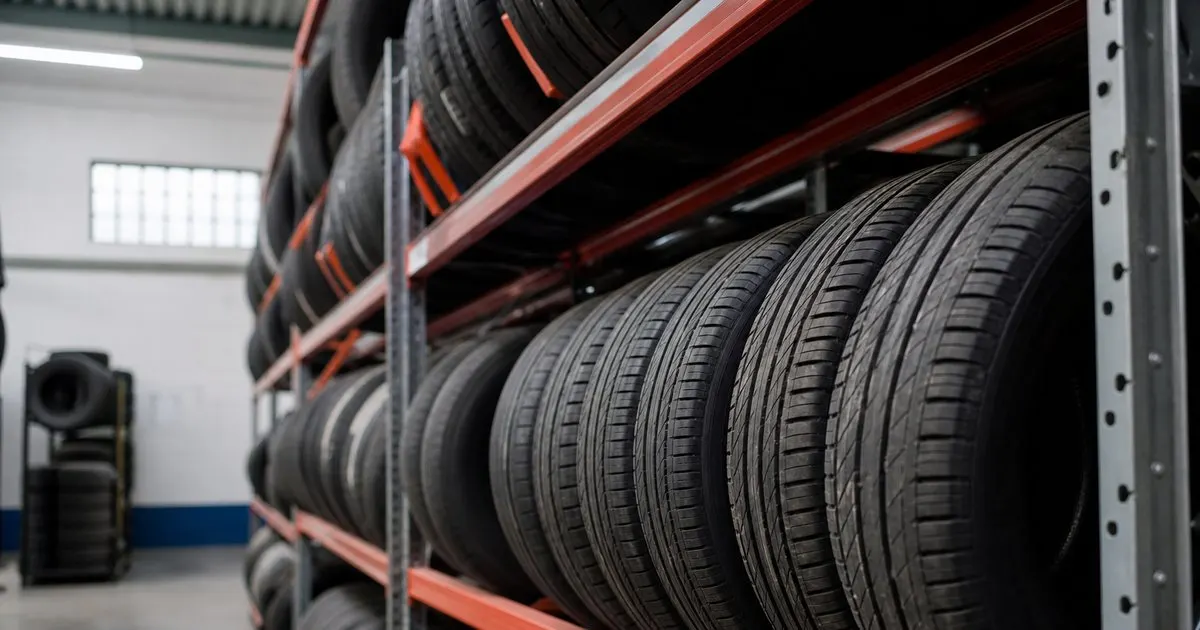
How do you track where every customer's stored tires sit on the rack?

What is the best way to remind customers about a seasonal tire changeover?
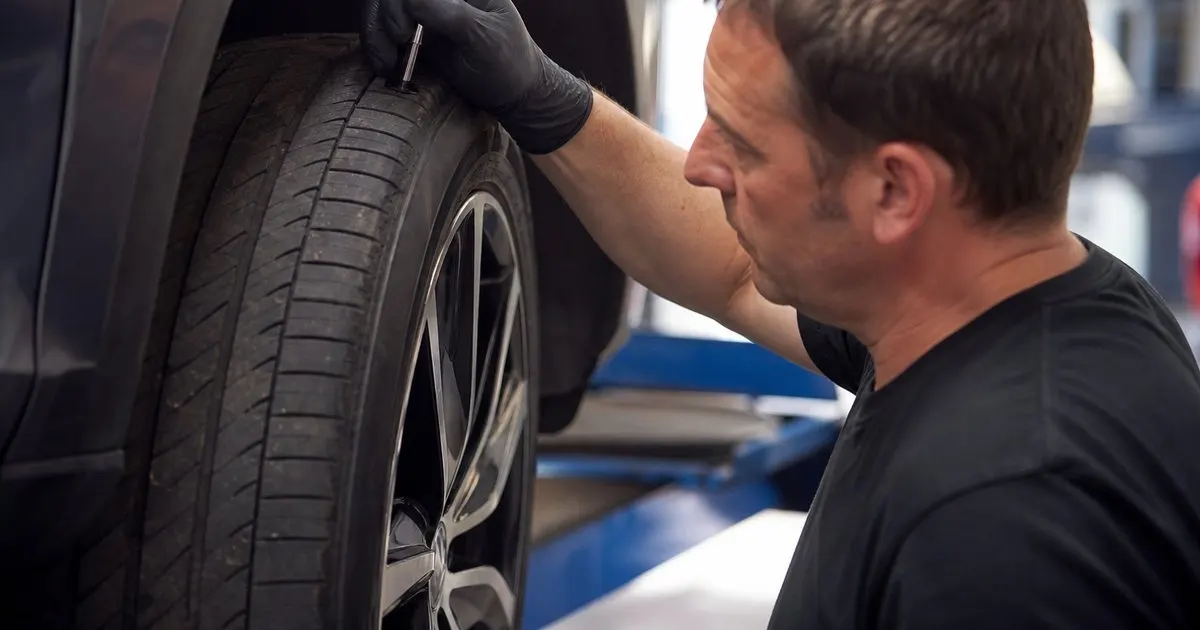
Why should a shop record tread depth history for every stored tire set?
Get the TireKeepr playbook
Practical guides on tire storage software, straight to your inbox as we publish them. No spam, unsubscribe any time.